


Most Reliable United States Proxy
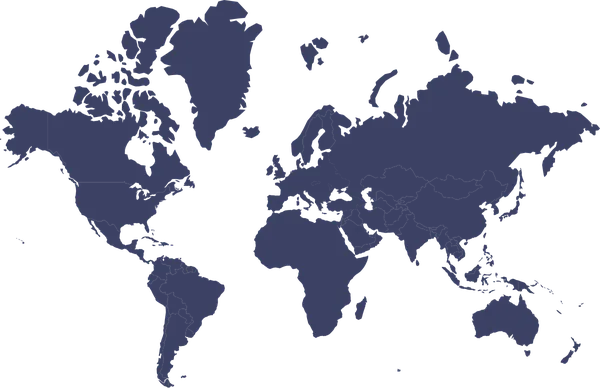

Vast Pool of Residential
Why Choose Our's United States Proxies?

Ultra Fast Speed

High Success Rates


US residential proxies: check the location your task needs
Guide updated:
A United States exit address is one input to a regional test. For a storefront or search comparison, record the exit country alongside the page language, currency, account state and delivery region. A US IP alone does not set those preferences.
Separate national and state-level comparisons
Start with a country-level US comparison. If your task depends on a state or city, first check whether that selection is available in the chosen plan. Keep shipping ZIP code and local test time in your notes: comparing different delivery regions or times can change the result even when both requests use US addresses.
Configure and verify a small sample
Open the extraction guide, choose United States in the available location selector, and copy the generated connection details into your client. Check the observed exit country before running the target request. Keep credentials private and record the actual response and timestamp. If the country is unexpected, recheck the selection and obtain a new endpoint before increasing volume.
Choose session behavior for the task
Use a session option only if the selected product provides it. A multi-step cart or login test needs continuity, while independent public-page checks may use separate connections. Confirm supported protocols, session limits and current pricing on the product and plan pages; this location page does not establish dedicated inventory or guaranteed access to a target.
Residential Proxies in the United States
 Most Popular


Frequently Asked Question
 What is the total number of IPs for FlyProxy?
 Can FlyProxy select the IP of a specific country?Is it possible to use IP addresses from more than one country at the same time?How many countries are covered by FlyProxy's services?